
What Is the Difference Between STEM and STEAM Toys?
The main difference is the “A” for art. But art should be part of the activity, not something added at the end. NAEYC describes STEAM as a mix of hands-on exploration, design, measurement, and communication.[1]
| Activity | STEM approach | STEAM approach |
|---|---|---|
| Building | Build 2 bridges and see which one is more stable. | Build a bridge that also fits the look and layout of a model town. |
| Circuits | Connect a switch and light. | Build the same circuit into a picture or craft project. |
| Coding | Program a character to move through a maze. | Program a short story with movement, pictures, and sound. |
| Rock observation | Compare rocks and write down the differences. | Use those observations to make an illustrated rock guide. |
| Patterns | Finish a repeating pattern. | Create a design using repetition, symmetry, and color. |
So, do not put too much weight on the word STEM or STEAM printed on the box. Look at what the child actually gets to do.
Does the Art Component Add Anything Useful?
Open the instructions and look at one full project. Does the child make a real choice about the picture, sound, shape, layout, or story? That is a better sign than a colorful box.
Take an illuminated picture as an example. If the child decides where the light goes and then plans the circuit around that choice, art is part of the project. If they only stick decorations on after the circuit is finished, it is mostly decoration.
The Mandala Rock Painting Kit includes 10 rocks, 5 dotting tools, and 6 stencils.
You could ask a child to repeat a 3-color pattern around one rock, count how many times the pattern repeats, then compare evenly spaced dots with a free-form design. It is still painting, but now there is some simple pattern work mixed in.
- Drawing: Does the child create something, or just color inside a supplied outline?
- Music: Can they change the rhythm, or only press a button and hear a preset sound?
- Design: Can they move things around and still make the project work?
- Storytelling: Do their choices change what happens next?
It is also worth checking what happens after the first project. If the child can use the same materials in another way, the toy usually has more room for experimentation.
When Should You Choose a STEM Toy?
Start with what your child already does. A child who keeps changing toy-car ramps may enjoy adjustable tracks and supports. A child who keeps asking how lights work may enjoy a basic circuit kit. If rocks are already piling up on the shelf, take a look at geology and Earth science kits.
A 15-sample rock identification set gives the child real specimens to handle. Start with 3 rocks. Compare the grain, color, and texture first. Then open the guide and see whether the first guess was close.
With coding toys, check how much control the child actually has. A robot that follows a sequence the child creates gives them something to change and fix. A robot that only runs preset moves does not offer the same kind of practice.
The same applies to math. Counting pieces is fine, but it is not the same as measuring length, comparing angles, or working with fractions.
Check the activity before choosing the kit
Send Piano Potato the product name, your child’s age, and the activity you have in mind. Ask what comes in the box and how much adult help the first project needs.
When Should You Choose a STEAM Toy?
STEAM makes more sense when the art changes the project itself.
A child who loves making up characters might enjoy animating a short story. A child who draws all the time might enjoy making a picture that lights up. Someone who likes arranging colors may enjoy rock painting activities built around symmetry and repeating patterns.
If you are unsure, put 2 projects in front of the child and ask which one looks more fun. Their answer is often more useful than guessing whether they are a “science kid” or an “art kid.”
Then look at the instructions. An illuminated picture should still explain how the circuit works. A pattern activity should let the child choose, repeat, count, or compare the pattern instead of simply copying a finished example.
Is STEAM Better Than STEM for Learning?
No. A STEAM label does not automatically make a toy more educational.
The American Academy of Pediatrics warns parents not to rely too heavily on educational marketing. Blocks, puzzles, art materials, and pretend-play toys can all support useful play.[2]
| Claim on the box | What to check |
|---|---|
| “Teaches engineering” | The child builds something, tests it, then changes the design. |
| “Introduces coding” | The child chooses instructions and can fix a wrong sequence. |
| “Encourages creativity” | The child can make choices instead of copying one finished example. |
| “Explores science” | The child observes, compares, or tests something. |
| “Grows with your child” | The same parts can be used for harder projects later. |
Be more careful with big claims such as “improves grades” or “builds math skills.” Look for research on that actual product and children around the same age. General research about play does not prove that one toy delivers the same result.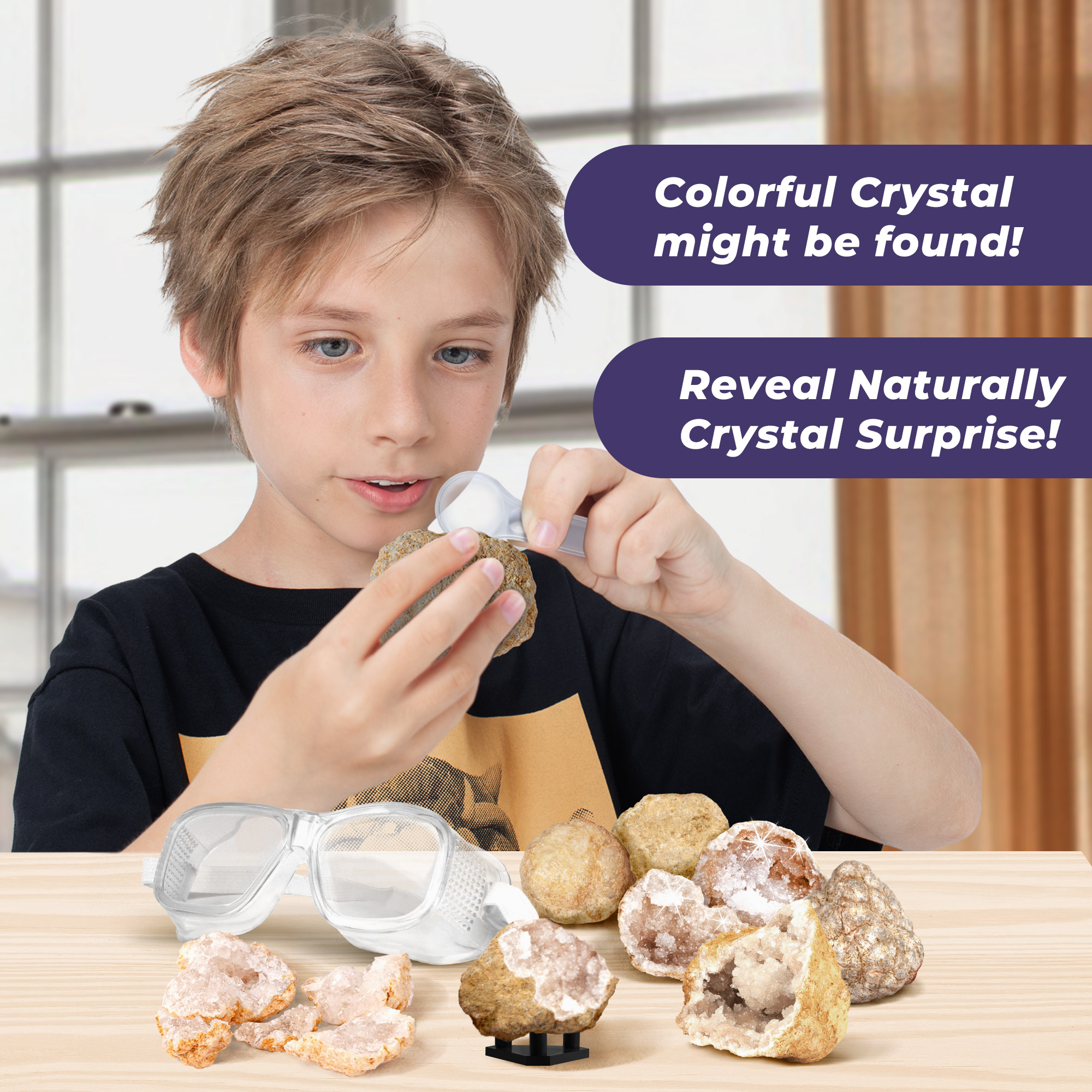
How Do You Choose the Right Age and Difficulty?
Start with the age label and the safety warnings.[3]
- Read: Are the instructions mostly pictures, short sentences, or long blocks of text?
- Handle: Can the child connect, separate, and position the pieces?
- Start: Is there an easy first project?
- Notice: Can the child clearly see what changed?
- Continue: Can they try again without an adult rebuilding everything?
Here is a simple test. If an adult has to complete 8 of 10 steps, it is probably a shared activity. If you want independent play, pick something simpler.
Sometimes the age on the listing does not match the age printed on the box. In that case, ask the seller which version is current before ordering.
Also keep safety separate from skill level. A child may understand a difficult project and still be too young for loose magnets or accessible button batteries.[4]
Need to confirm the age guidance?
Send the product name or SKU. Ask for the current age label, supervision requirements, and anything you need to provide at home.
What Makes a Kit Worth Its Price?
Do not just look at the price on the box. Think about how many real play sessions you are likely to get from it.
A building set can usually be pulled apart and rebuilt. An excavation block is finished once it has been dug out. A painted rock can stay on a shelf, but painting it again means covering the first design.
The contents list can be misleading too. A box with 10 rocks does not automatically give you 10 full sessions. And “20 activities” may mean 20 small variations of the same basic idea.
Cost per session = (purchase price + refill costs) ÷ completed sessions.
| Example | Total cost | Sessions | Cost per session |
|---|---|---|---|
| Reusable kit | $40 | 8 | $5 |
| Kit + $8 refills | $48 | 8 | $6 |
| One-off project | $20 | 1 | $20 |
App-connected toys need another check. Before buying, look at the required phone or tablet, operating system, account, and subscription. You do not want to open the box and discover that the toy needs a device you do not have.
Can One Set Support Both STEM and STEAM?
Yes. You can often change the activity without buying another kit.
Take a basic set of building blocks. Build 2 bridges with the same number of pieces and the same gap between the supports. Test both with the same toy vehicle.
Run each test 3 times. Put the vehicle in the same place each time. If you change the bridge, change just 1 feature. That makes it easier to see what actually made a difference.
Now add the STEAM part. Draw a small town and redesign the bridge so it fits the roads and the look of the town. Then test it again. The bridge still has to work.
You can do something similar with rocks. Pick 3 specimens and compare their color, grain, and texture. Then draw an illustrated display around them. Leave the rocks unpainted so you can still examine their natural surfaces later.
What Changes When Buying for a Class or Group?
For group activities, count the tools as well as the project pieces. A kit may contain 10 craft pieces but only 2 brushes. That means only 2 children can paint at once.
If 12 children are working in pairs, you need 6 workspaces. Each pair needs the right tools and enough consumable materials to finish the activity.
For a school order, check the contents, age guidance, cleanup, and refill options. For a retail order, also check the packaging, carton quantity, and information needed for the destination market.
Plan the quantities for your class or store
Send the age group, activity, order quantity, and delivery country. Ask Piano Potato to confirm what is included, how the kits are packed, and which options are available.
Finally
Pick the activity first and worry about the label second. Look at what the child will actually build, test, change, or create. Check how much help they need and how often the kit can be reused. A $40 kit used 8 times works out to $5 per session. STEM suits testing and problem-solving. STEAM makes sense when art is part of how the project works.